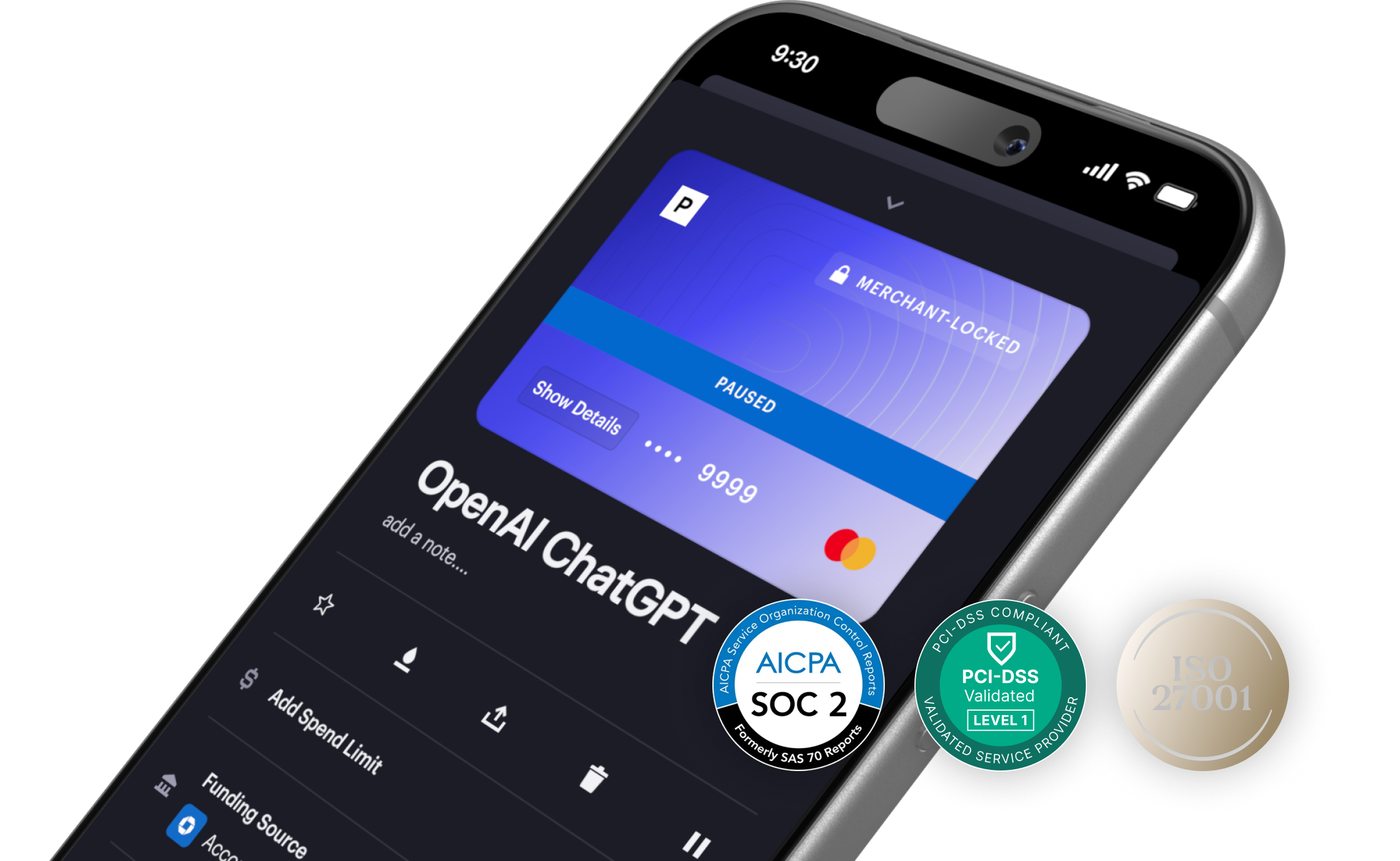
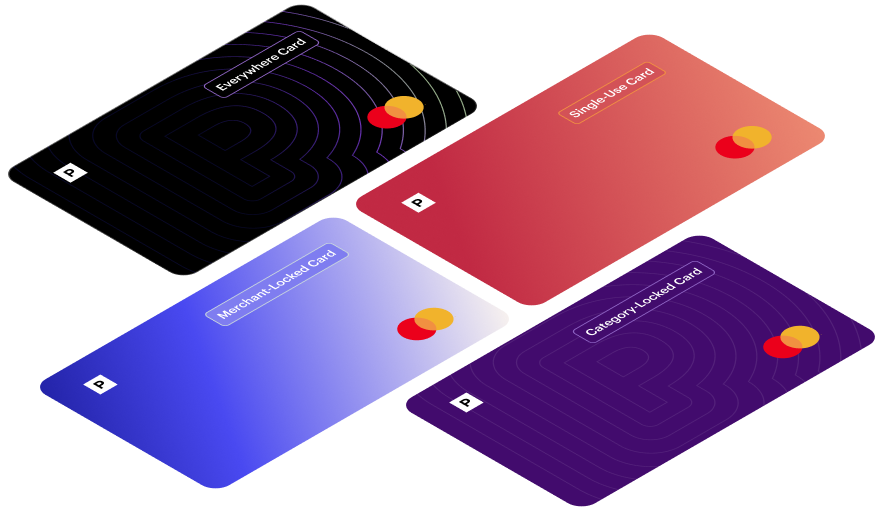
Merchant-Locked Cards
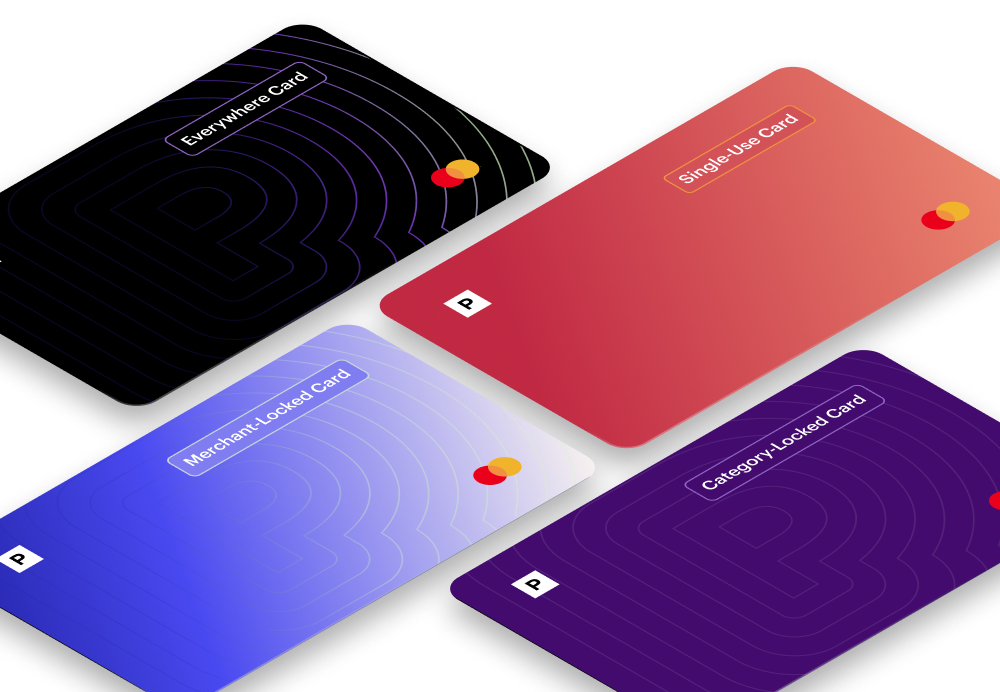
Merchant Cards lock to the first merchant you make a transaction at.
Single-Use Cards
Single-Use Cards close after the first transaction.
Category Cards
Category-Locked Cards come locked to a predefined merchant category.
Everywhere Cards
Everywhere Cards can be used in-person with mobile wallet compatibility, and don’t lock to a single merchant.
Create Virtual Cards With Privacy and 1Password

We are delighted to announce a new partnership with 1Password. 1Password is the industry’s leading password manager that helps you stay safe online by creating strong, unique passwords for every website you use.
Starting today, you can create, use, and save Privacy Cards directly within your 1Password extension. All virtual cards created in 1Password will have the same security benefits as your other Privacy Cards - you can set spend limits, create single-use or merchant locked cards, and pause or unpause cards whenever you want.
At Privacy, we value convenience without compromise, and this integration delivers on that by providing an efficient way for you to streamline your online security toolkit.
Why 1Password?
People talk about Privacy and 1Password almost synonymously - we’re positioned adjacently within product lists, paired together in recommendations, and Privacy is even often described as the “password manager of payments”.
Despite these comparisons, harnessing both of our solutions has always been a parallel process for our users. Using 1Password for password management and Privacy for secure payments are smart moves – but why not be able to use them together? This partnership presents an opportunity to collaborate with a company that not only aligns with our core beliefs, but also one that successfully showcases the breadth and power of our API. This integration itself, which took about two months for us to develop front to end, is a testament to our fast infrastructure.
Together, we’re offering a one-stop solution for your two most important online security needs. Make secure passwords and secure virtual debit cards in one place, with just a few clicks.
What are the Key Benefits?
- Efficiency. Instead of having to navigate through two separate platforms to store passwords and secure payment credentials, this integration offers an end-to-end solution. Now, you can create and store your Privacy Cards in 1Password in just a few clicks. No need to log in to multiple platforms, no need to copy and paste.
- Added security. By locking virtual card numbers into a password vault, you double your protection and make it even tougher for malicious parties to gain access to your data.
How Does it Work?
It's easy. Just sign into your Privacy account. Click on your profile, and within the Accounts page, turn on the 1Password Integration to connect your accounts.
Once this has been added, you will be able to create Privacy Cards from directly within your 1Password extension.
If you are a 1Password user but new to Privacy.com, you can get $5 toward your first Privacy purchase. Get started here.